Crypto Bubbles
Publisher Description
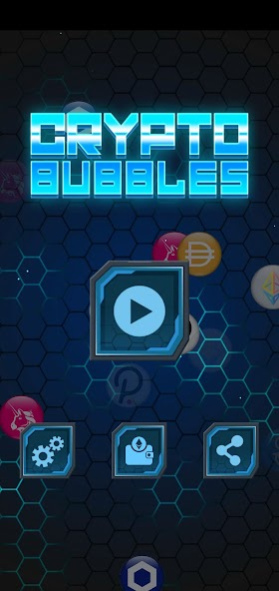
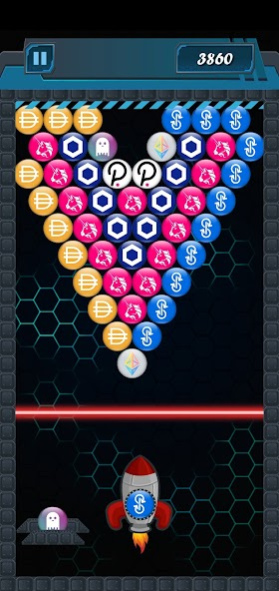

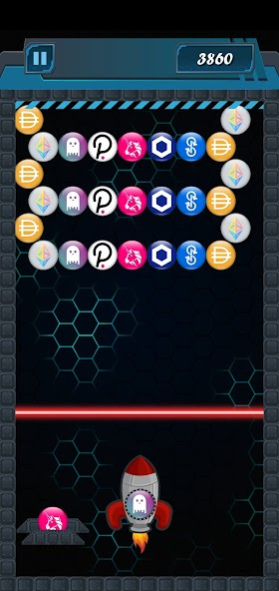
Win real $ETH playing the fun and entertaining new bubble shooter game Crypto Bubbles.
In this DeFi themed bubble shooter game you simply match 3 or more of the same DeFi tokens to burst the Crypto Bubbles and win 10 Gwei for each bubble, that's 0.00000010 $ETH per bubble. The more bubbles you burst the more $ETH you win.
There are 2 playing modes: Levels and Survival. Survival mode is free to play but doesn't accumulate any points or win $ETH. Unlock the levels to start winning $ETH.
There are currently 50 levels with different bubbles and layouts some of which can win up to 1000 Gwei. You will see popular DeFi tokens such as $AAVE, $DAI, $UNI, $YFI, $LINK, $DOT and $ETH. More bubbles and levels will be added constantly via updates.
No RUG PULLS over here. The game is connected to the Ethereum blockchain so you can easily withdraw your winnings. When you have enough points just click the withdraw button to transfer your $ETH to the wallet address of your choice.
Note: Please consider the cost of gas to process transactions on the Ethereum Blockchain and wait until you have a significant amount before you withdraw your winnings. We don't want to pay more in gas than what you actually withdraw.
Created by Fuego HD. Powered by Ethereum.
#BlockchainGames #CryptoGames #Ethereum $ETH
About Crypto Bubbles
The company that develops Crypto Bubbles is Fuego Labs. The latest version released by its developer is 1.0 .
To install Crypto Bubbles on your Android device, just click the green Continue To App button above to start the installation process. The app is listed on our website since 2020-11-20 and was downloaded 107 times. We have already checked if the download link is safe, however for your own protection we recommend that you scan the downloaded app with your antivirus. Your antivirus may detect the Crypto Bubbles as malware as malware if the download link to com.cryptobubbles is broken.
How to install Crypto Bubbles on your Android device:
- Click on the Continue To App button on our website. This will redirect you to Google Play.
- Once the Crypto Bubbles is shown in the Google Play listing of your Android device, you can start its download and installation. Tap on the Install button located below the search bar and to the right of the app icon.
- A pop-up window with the permissions required by Crypto Bubbles will be shown. Click on Accept to continue the process.
- Crypto Bubbles will be downloaded onto your device, displaying a progress. Once the download completes, the installation will start and you'll get a notification after the installation is finished.
Program Details
System requirements
Download information
Pricing
Version History
version
posted on 2020-11-20
Updated UI buttons and graphics.
Changed admin wallet address.
